
Shopify cart and cart drawer
VAT form in the cart,
before checkout.
The invoice form goes on the cart page, in the cart drawer, in a pop-up or on the product page, on every Shopify plan. The customer types only their VAT number, the details come from AADE or VIES and are saved on the order.








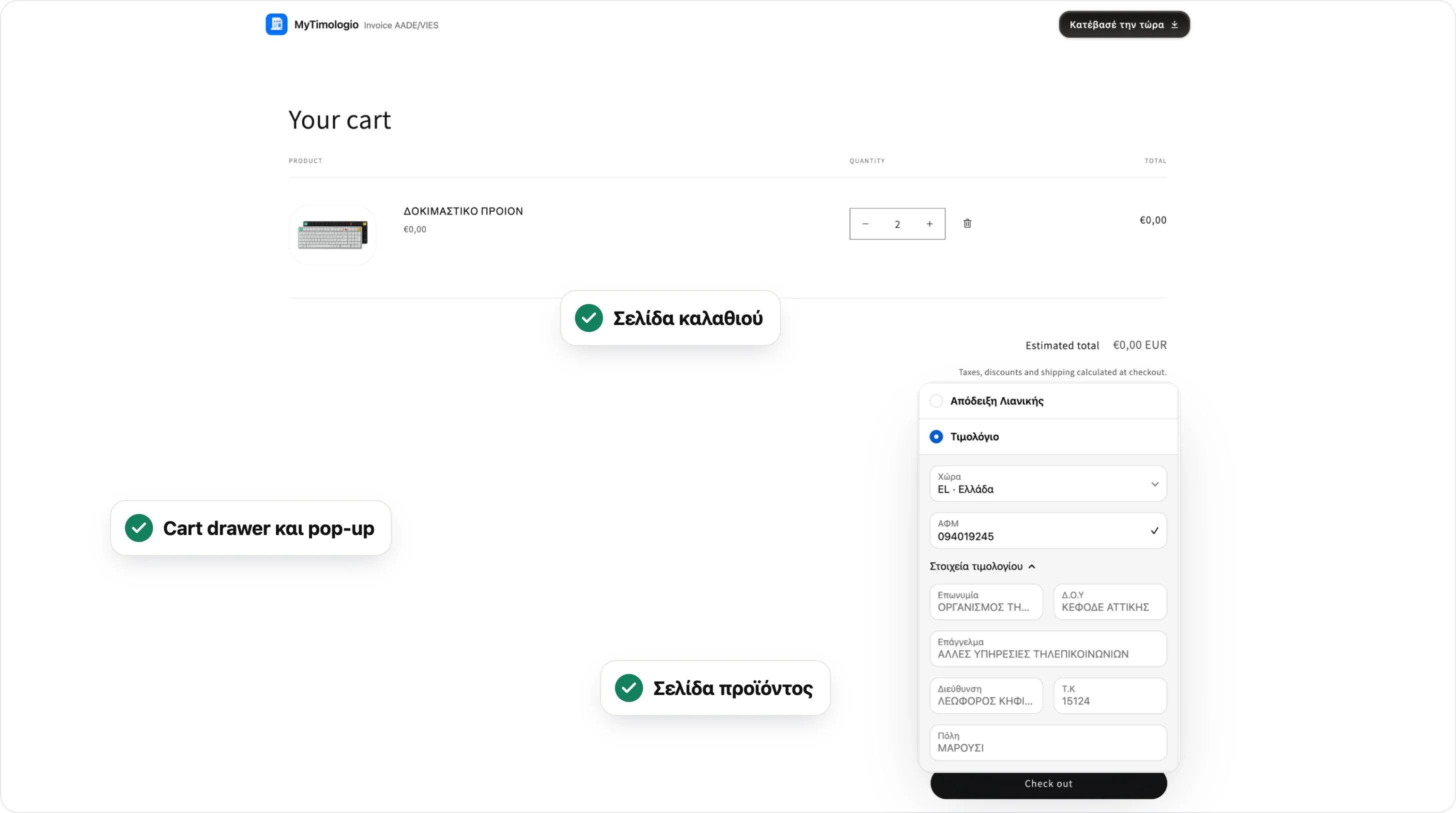
Wherever your cart is
Cart page, drawer, pop-up and product page, in every theme.
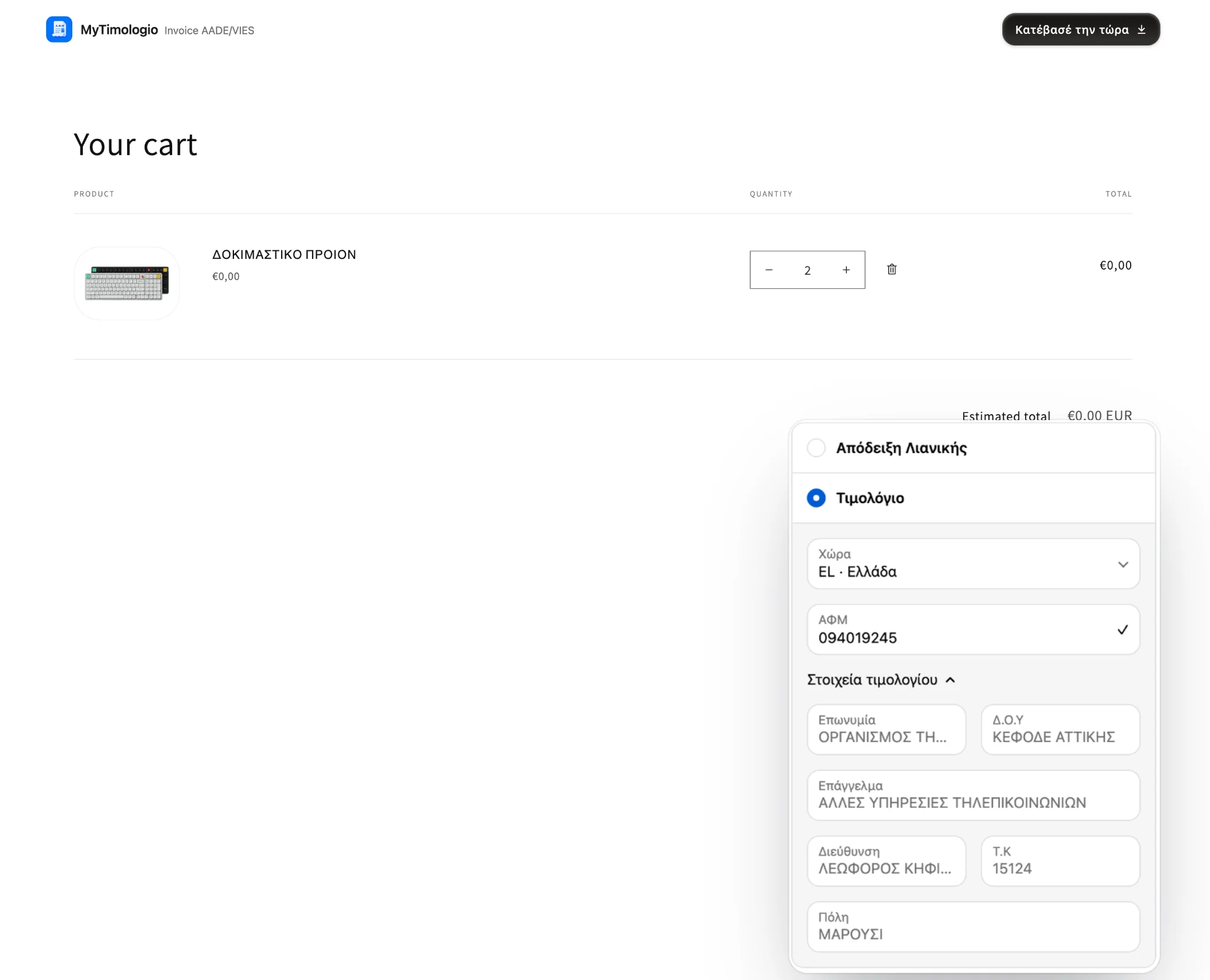
Cart page
The form sits right above the checkout button, before payment.
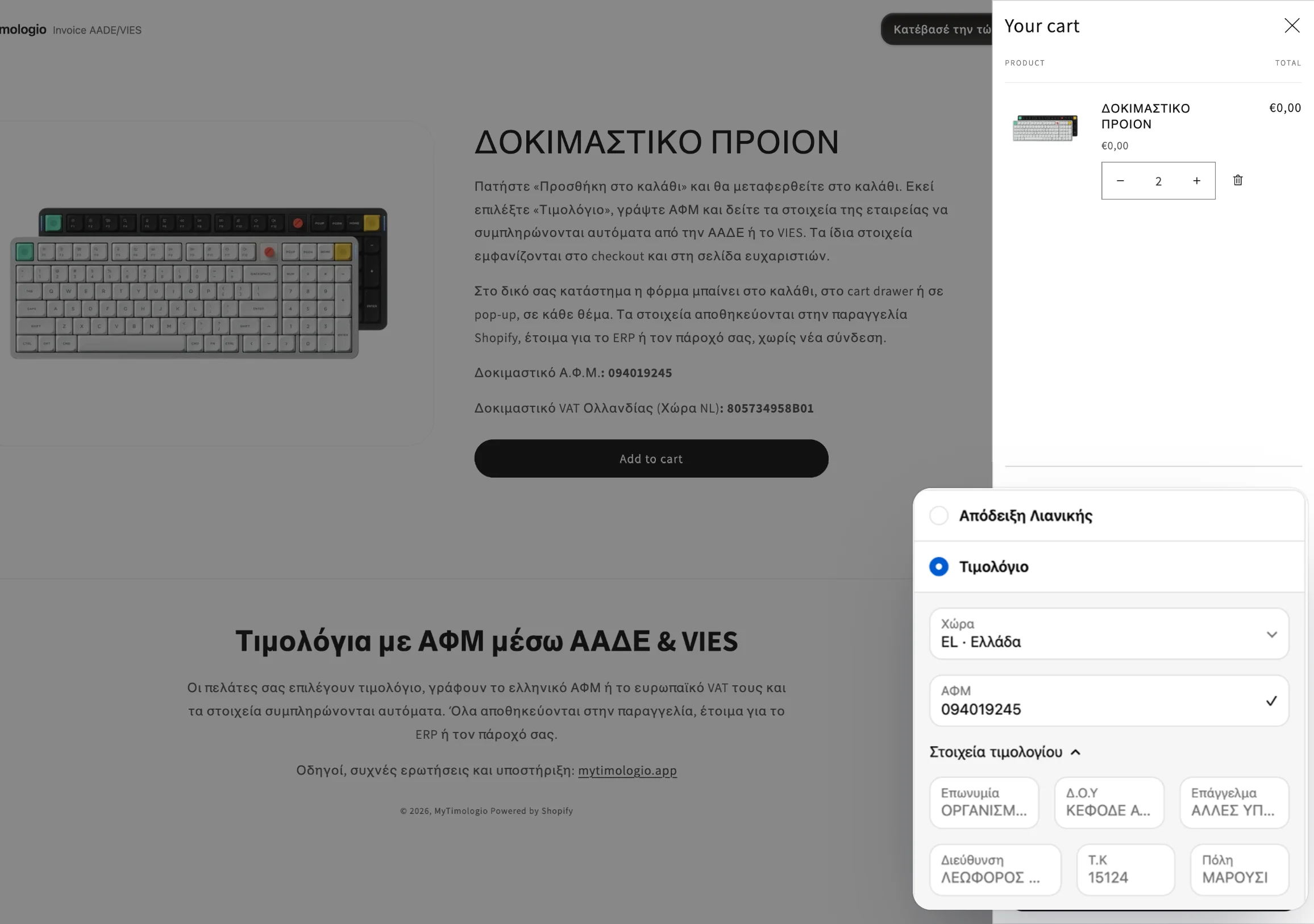
Cart drawer
Customers ask for an invoice without leaving the page.
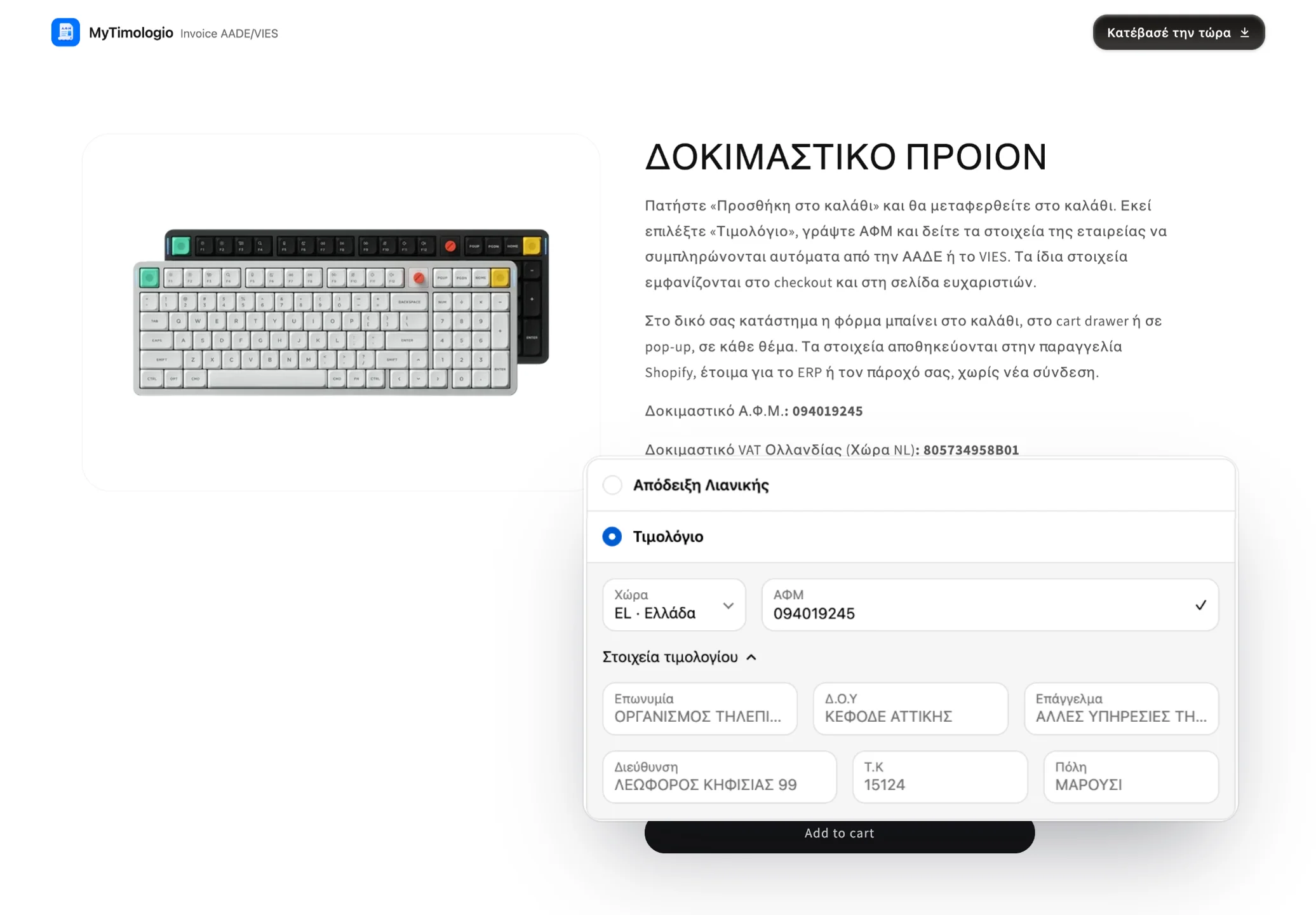
Product page
Details are given before the product even reaches the cart.
Pop-up or custom theme
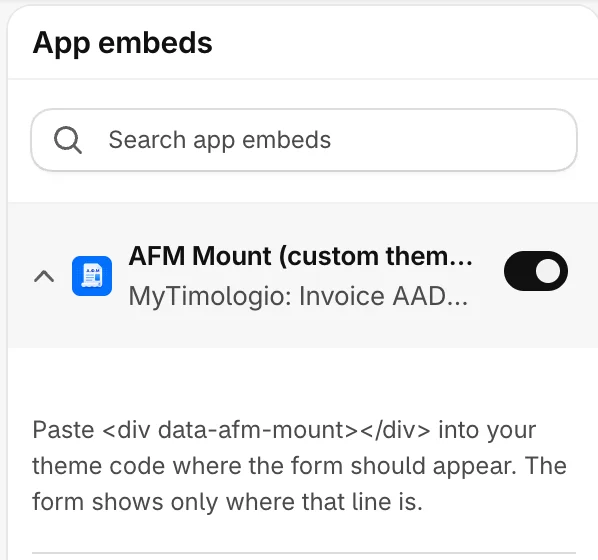
With the app embed and one line of code, wherever you want.
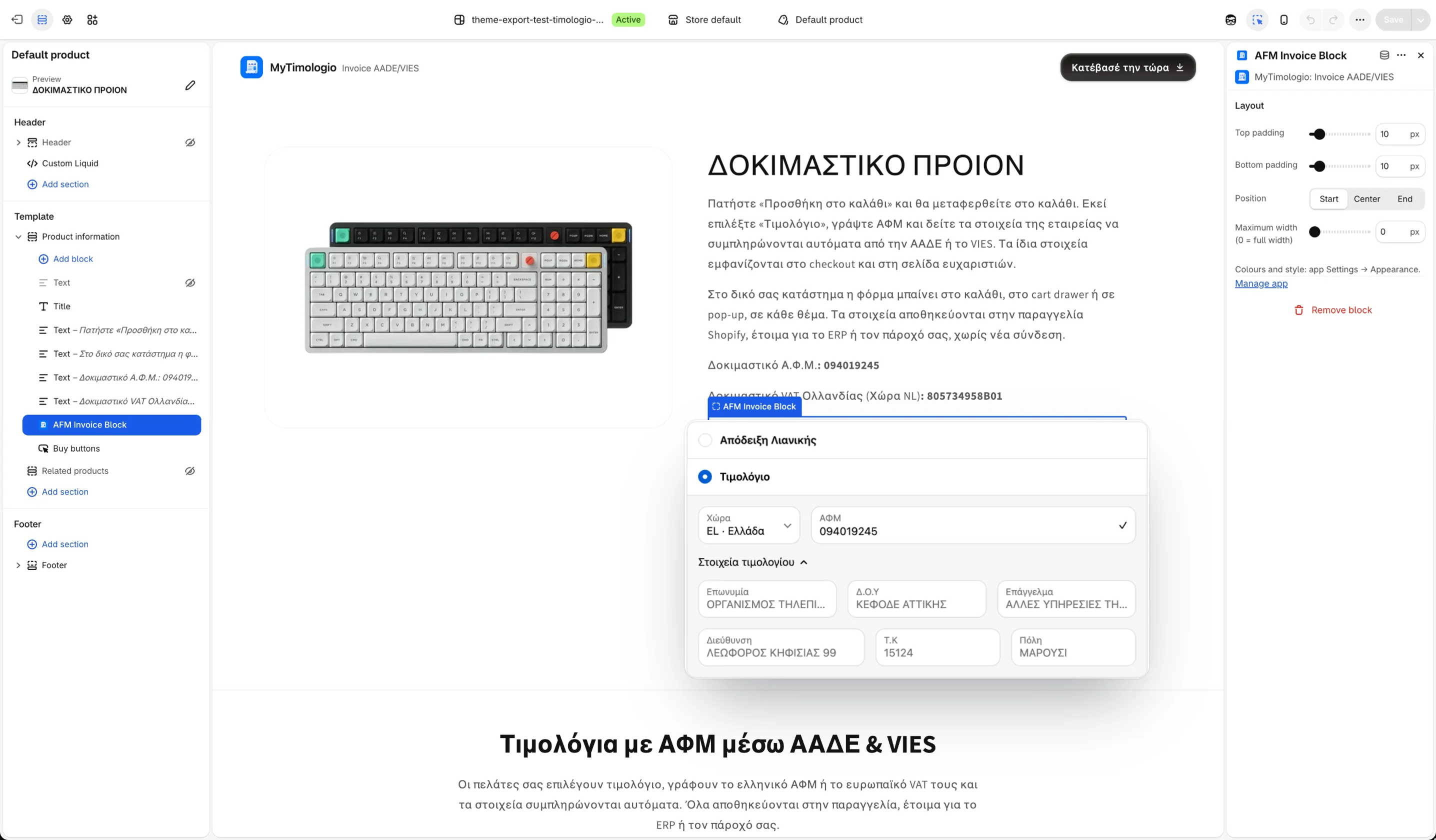
No code
In the theme editor: Add block, then «AFM Invoice Block».
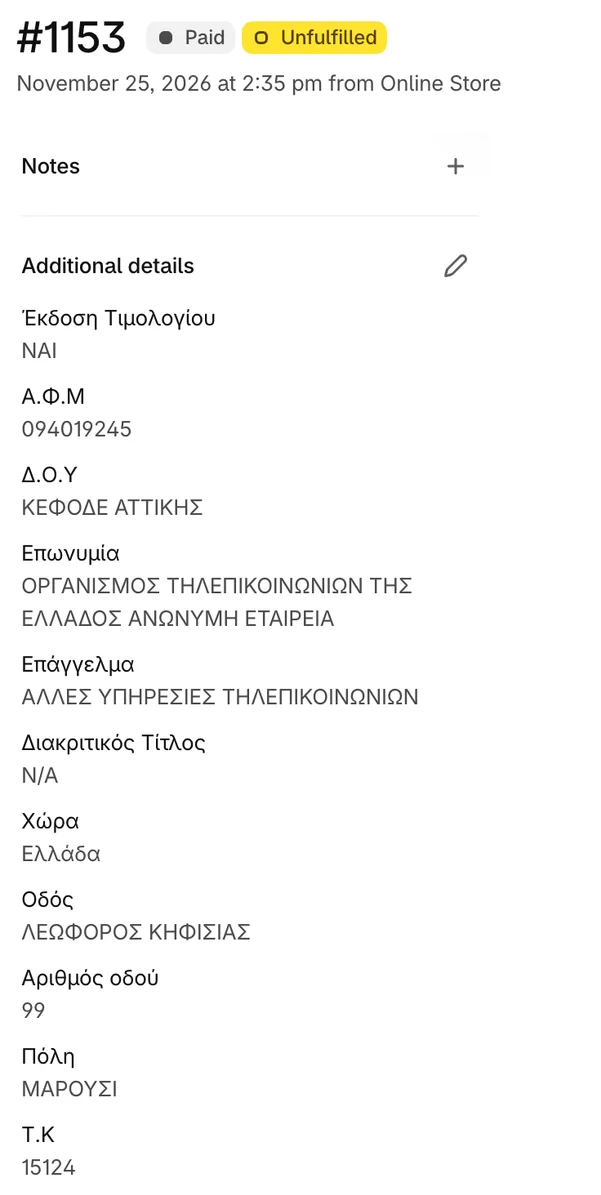
Ready for your ERP
The details are saved on the order, ready for your ERP.
And a lot more
Two form styles, a check button or automatic checks, Greek and English, and a look that fits your store.
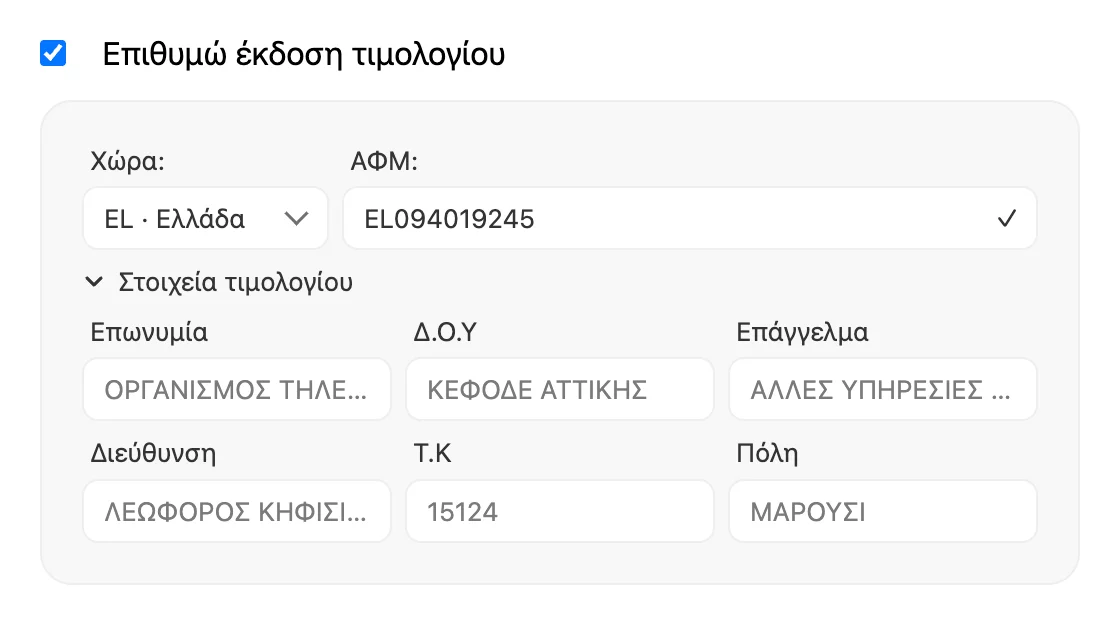
Classic style
Titles above the fields and a simple “I want an invoice” checkbox.
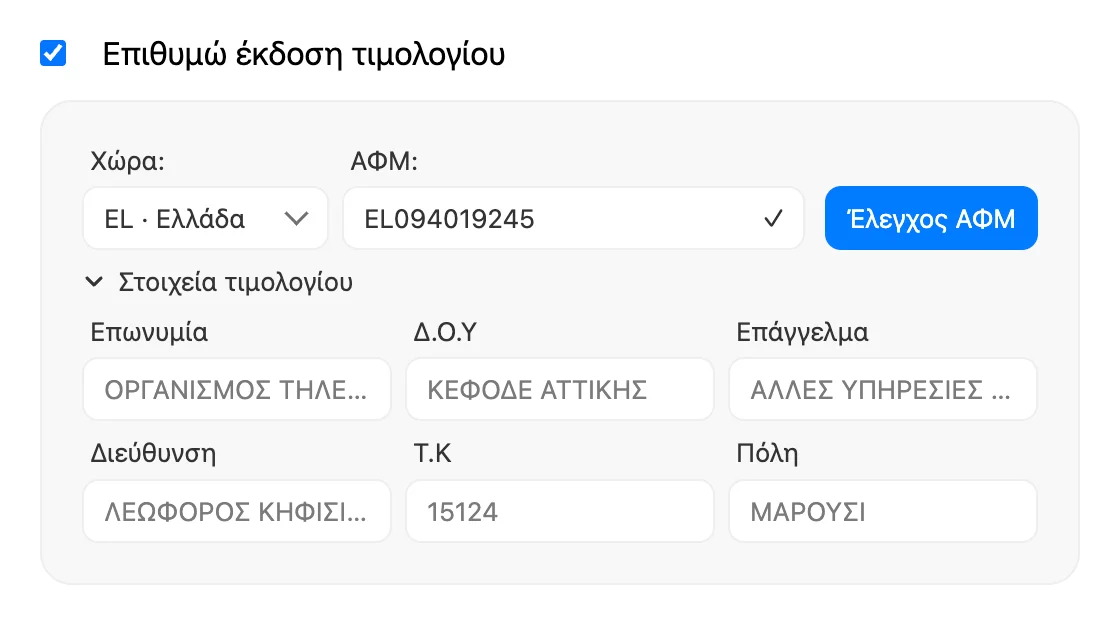
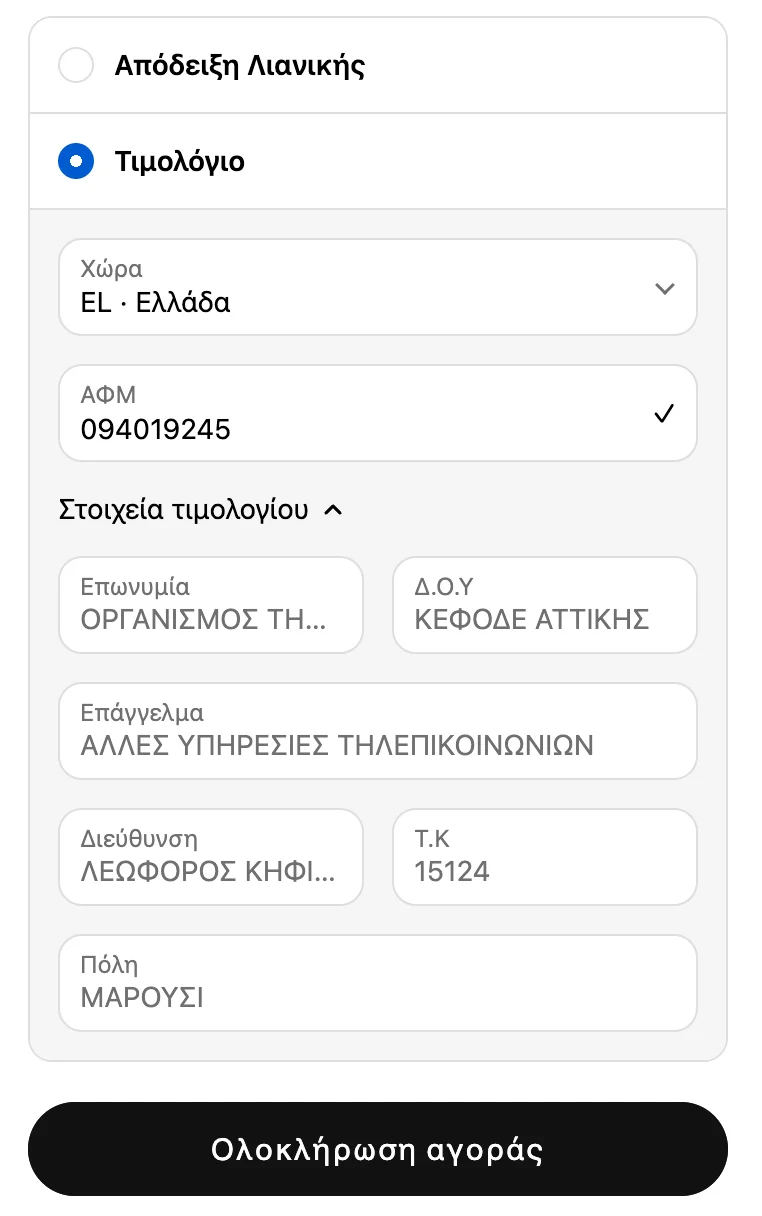
Like Shopify checkout
Titles inside the fields and a receipt or invoice choice, just like Shopify.
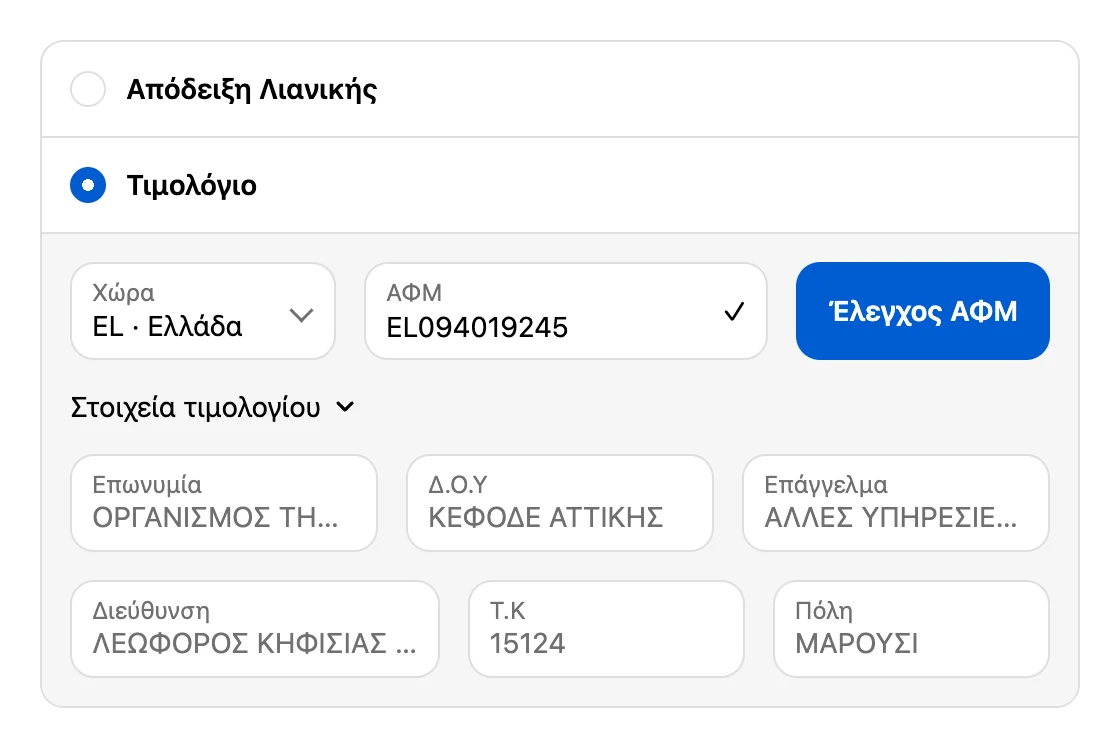
With a check button
The customer types the VAT number, then presses the button.
Automatic, no button
The check runs as soon as the VAT number is typed, with no extra click.
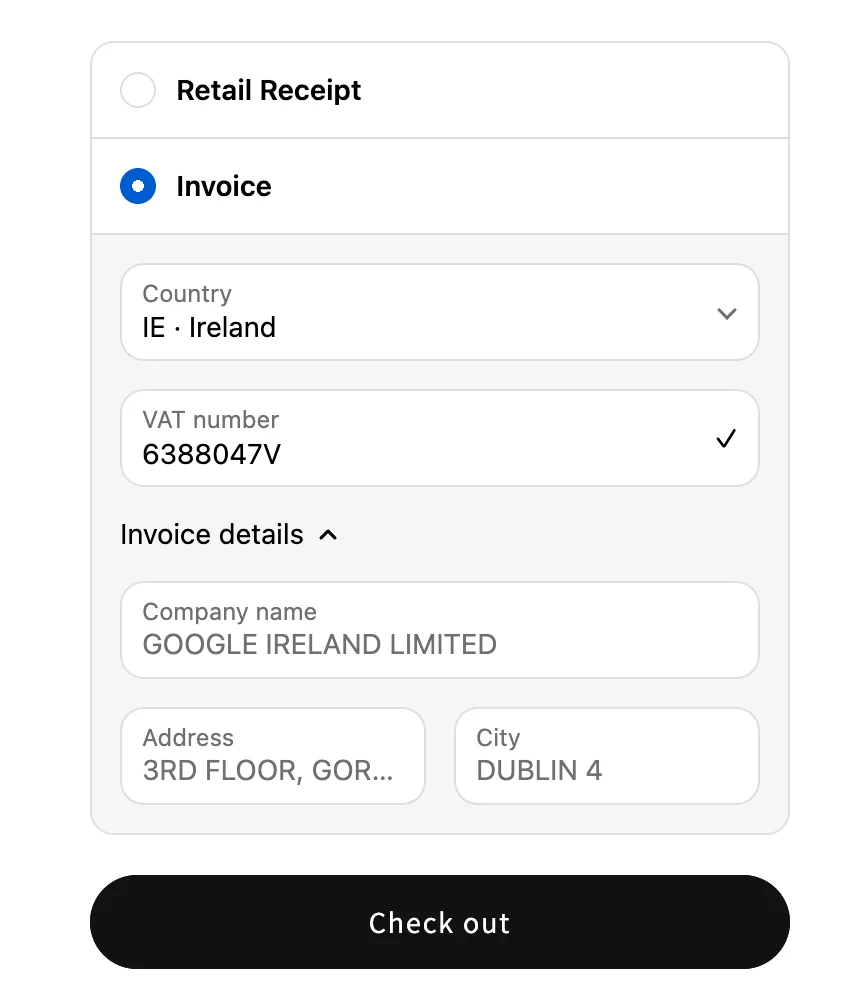
Greek and English
The form follows your store language or stays in one language.
Fully customisable
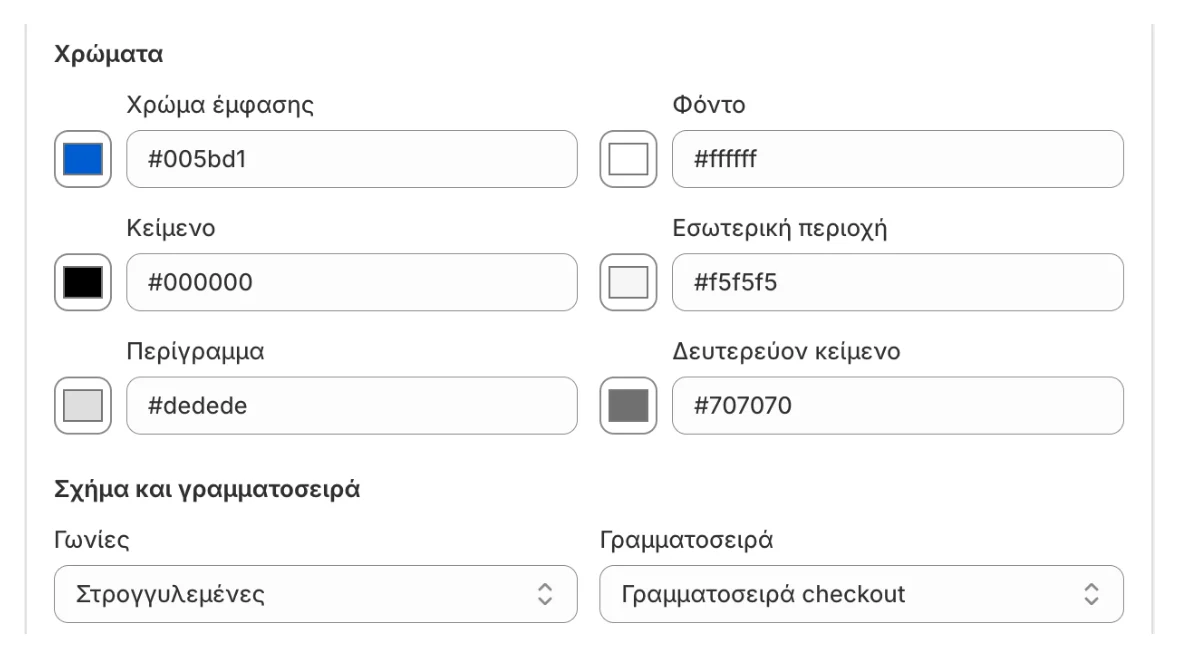
Colours, corners, font and your own CSS, so it matches your theme.
FAQ
Can I use it in a cart drawer or pop-up?
Yes. Enable the app embed and add <div data-afm-mount></div> where the form should appear. For the cart page, you can use an app block. Email [email protected] for free installation help with the placement.
Does it work with any theme?
MyTimologio works with any Shopify theme and any cart: cart page, drawer, pop-up or custom location. Besides the app block, Method 2 uses the active app embed and one line, <div data-afm-mount></div>, in theme code to render the form wherever you need it. Accelerated purchase buttons can bypass the cart; the form inside checkout requires Shopify Plus.
The form is missing. What should I check?
Check that the app block is on the correct template of the published theme. A drawer or pop-up needs both the app embed and <div data-afm-mount></div>. Reopen the cart and test on mobile. The developer offers free installation help.
What should I check with accelerated purchase buttons?
Buy now and accelerated purchase buttons can bypass the cart and its form. Check that a customer who needs an invoice reaches the form before completing the purchase. Test Buy now buttons and mobile purchase paths in your theme. Contact the developer for help with form placement.
Does it work on Basic and other Shopify plans?
Yes. The form collects details in the cart, cart drawer, pop-up or product page using an app block, or the app embed and mount snippet. Details are saved on the order. Only the form inside checkout requires Shopify Plus.